MEMORY, GIVEN A PLACE
A number.
A picture.
A way back.
Loka turns numbers into things you can picture—and gives you a quiet place to practice finding them again.
Try a little recallLoka Studio for Mac · Loka for Android
Currently in development
01 / MAKE THE CONNECTION
Give the abstract
something to hold on to.
In a peg system, each number has a familiar word and image. Learn the pairs. Then use them as anchors for the numbers and sequences you want to remember.
Meet three pegs.
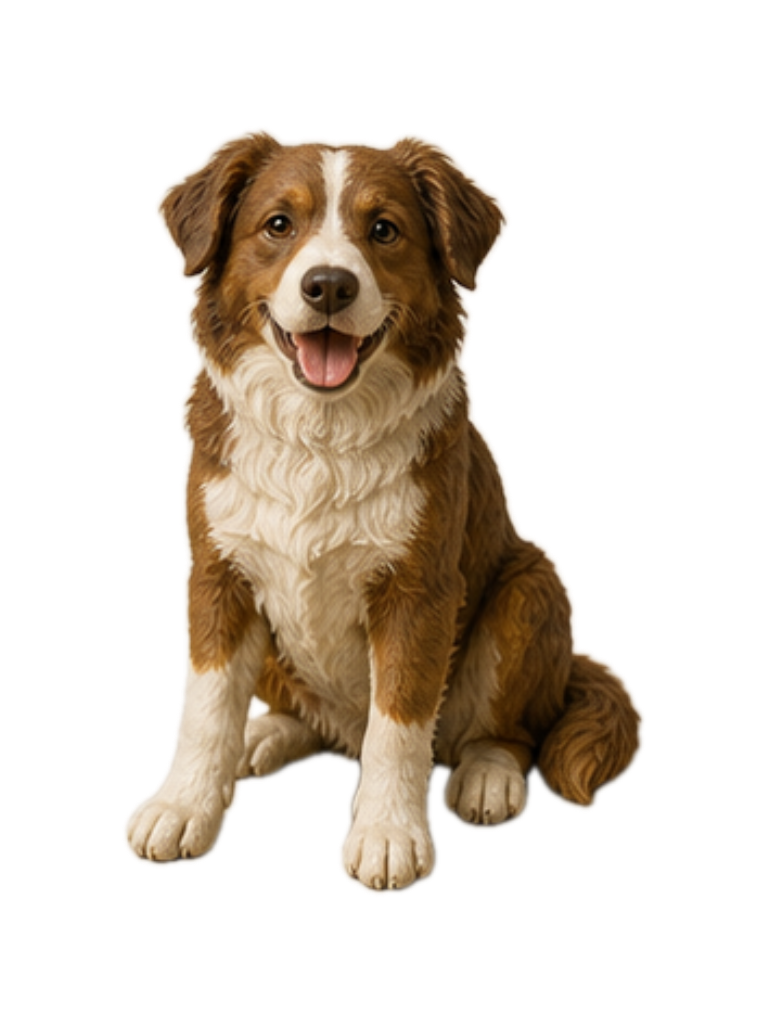
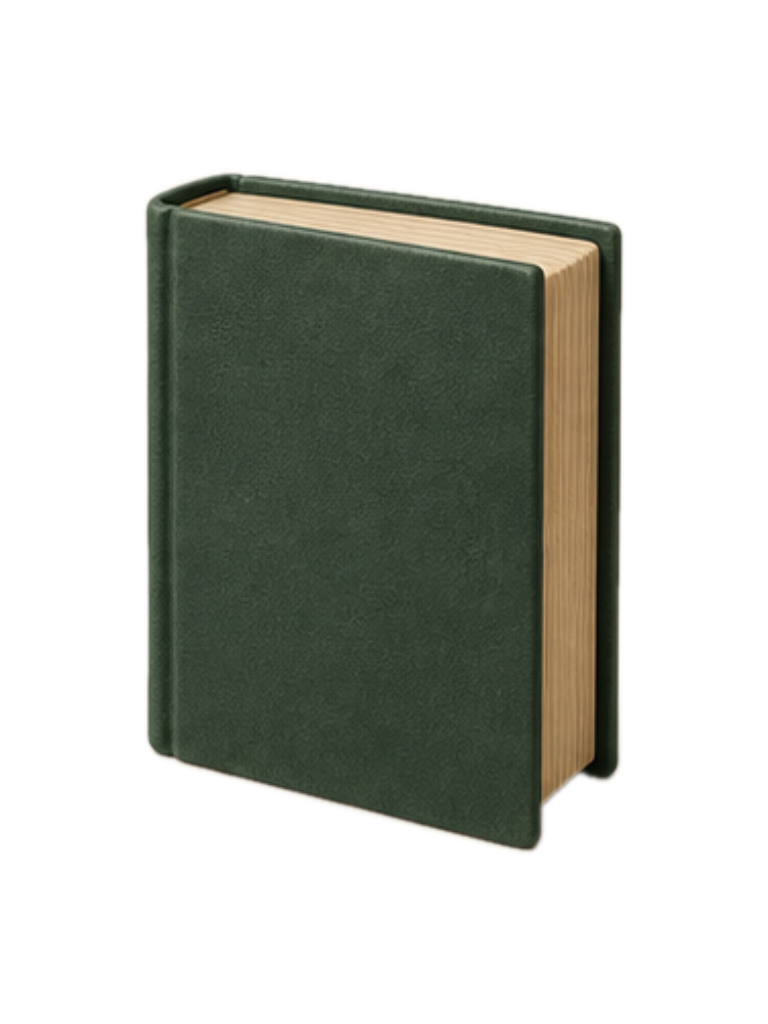
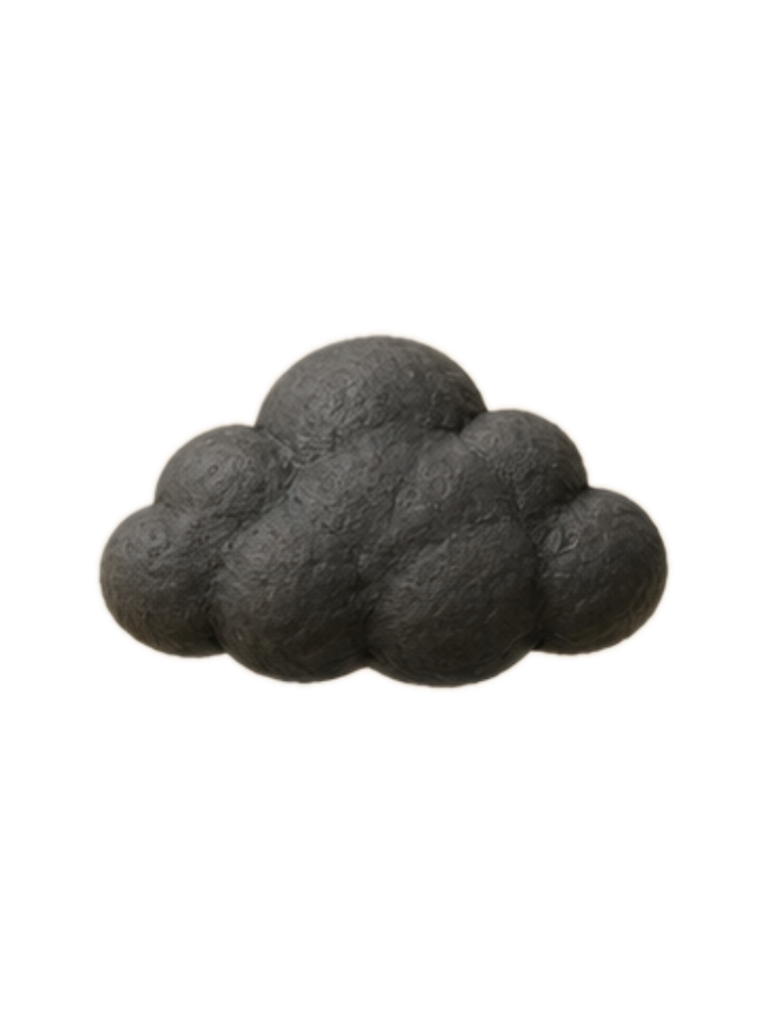
Picture a dog sheltering from the rain under an enormous open book.
An example you can try right here. Your answer stays in this browser.
02 / MAKE IT YOURS
The image that sticks
is the one you know.
A library is more useful when it sounds and looks like you. Start with 100 pegs, from 00 to 99. Change the wording, add an image, or keep a few variants for the same association.
- 01
Build your own anchors
Choose peg words, images, and Person–Action–Object cues that are easy for you to picture.
- 02
Listen at your pace
Hear the peg library or study in peg mastery. Pause, resume, move forward, and adjust playback from 1× to 3×.
- 03
Return, recall, repeat
Practice the connection in both directions. Revisit sequences and see your practice history over time.
03 / KEEP YOUR OWN PLACE
Begin on one device.
Connect when you choose.
Local by default
Use the mobile app and Studio without providing a name or email. Your library and practice are stored on the device.
A private connection
Optional cloud sync connects trusted devices across the internet. It requires your name, email, and consent. Library content is encrypted before transfer; Studio needs to be running to regenerate speech.
Your choice about updates
Loka product news and practice ideas have a separate opt-in. Choosing Loka updates does not subscribe you to Naka or other Scivana products.
A SMALL PRACTICE, OFTEN
Leave yourself
a memorable way back.
Explore the setup guide Mac Studio + Android · In development